Thank you for submitting your registration info. Please read this page carefully as this is the only time it will be displayed. Click the button to download a PDF version of the complete instructions.
You will be getting two emails:
1. A welcome email from “ShareFile Support”. It will look like example #1 below. Please click the Activate Account button to set a password and complete the next steps for enrollment to the portal.
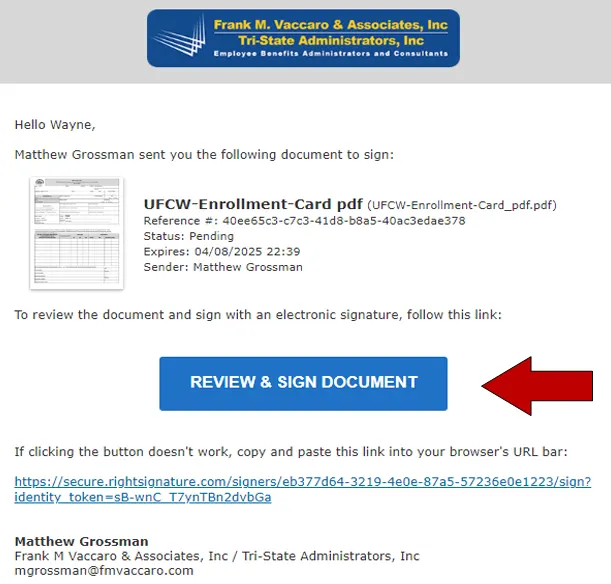
2. An email from “RightSignature.com” providing a link to access, fill out, sign, and submit your enrollment form. It will look like example #2 below. Please click the blue REVIEW & SIGN DOCUMENT button to access the form.
Example 1:
Example 2: